FTP / SFTP server
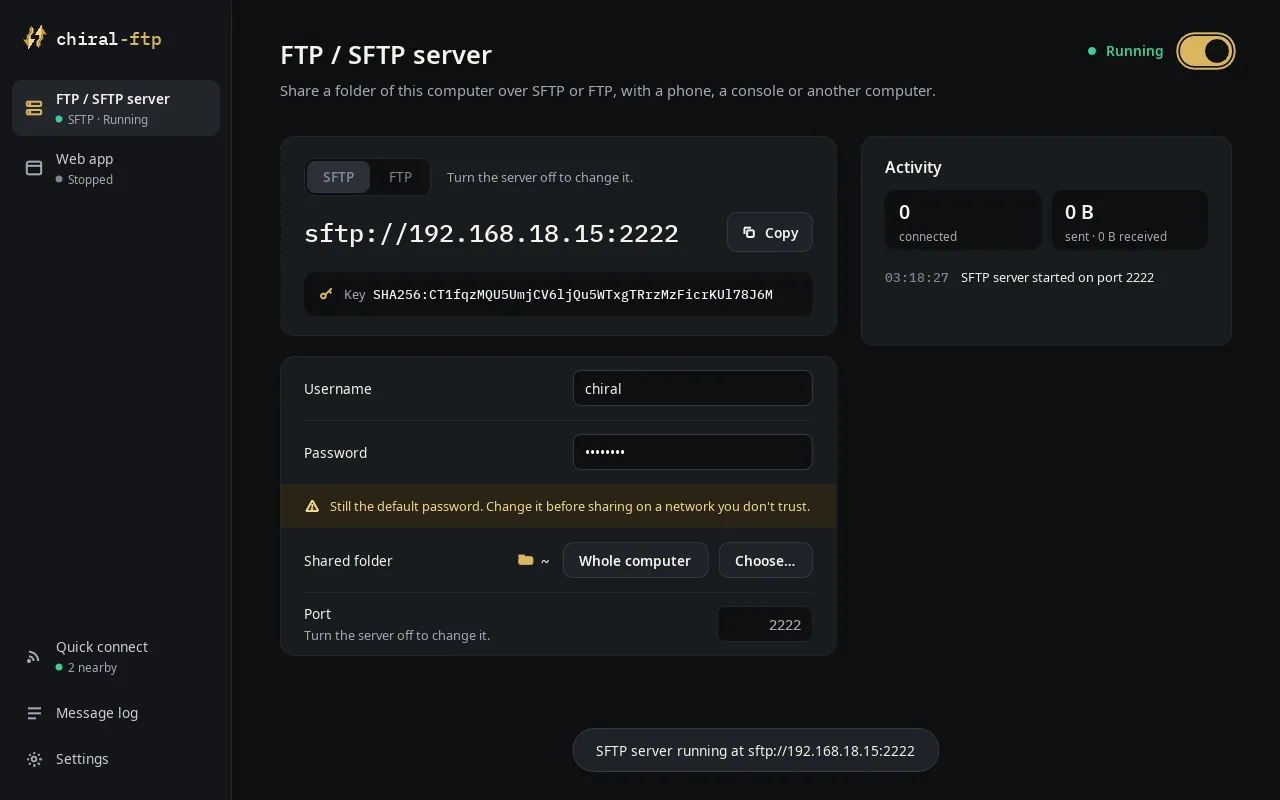
Start an FTP/SFTP server on this device, accessible from any other FTP client.

The ultimate file manager and FTP interface, on every device you own.
Move files between your computer, your phone, your TV and your consoles. Free, open source, no account, no ads.
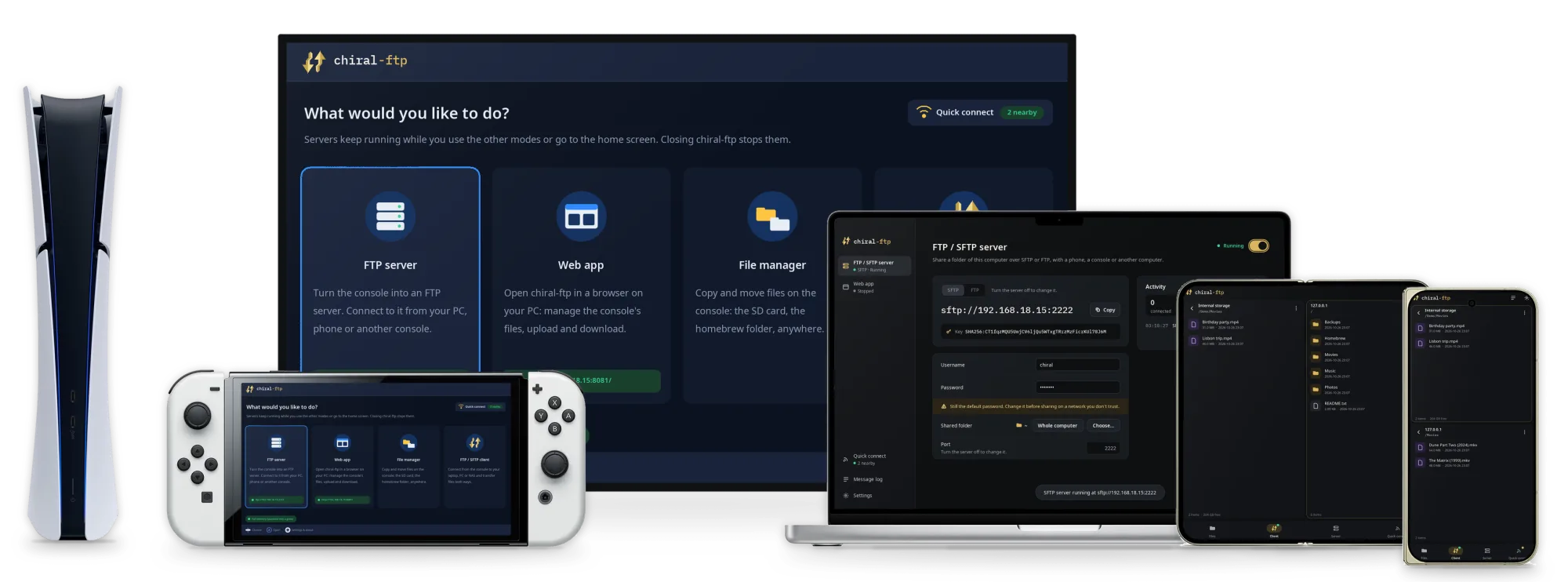
Open chiral-ftp and choose what you want to do. The servers keep running while you use the other tools.
Start an FTP/SFTP server on this device, accessible from any other FTP client.
Open the address it shows in any browser: browse, upload (drag and drop works), download, rename and delete. Nothing to install on the other side.
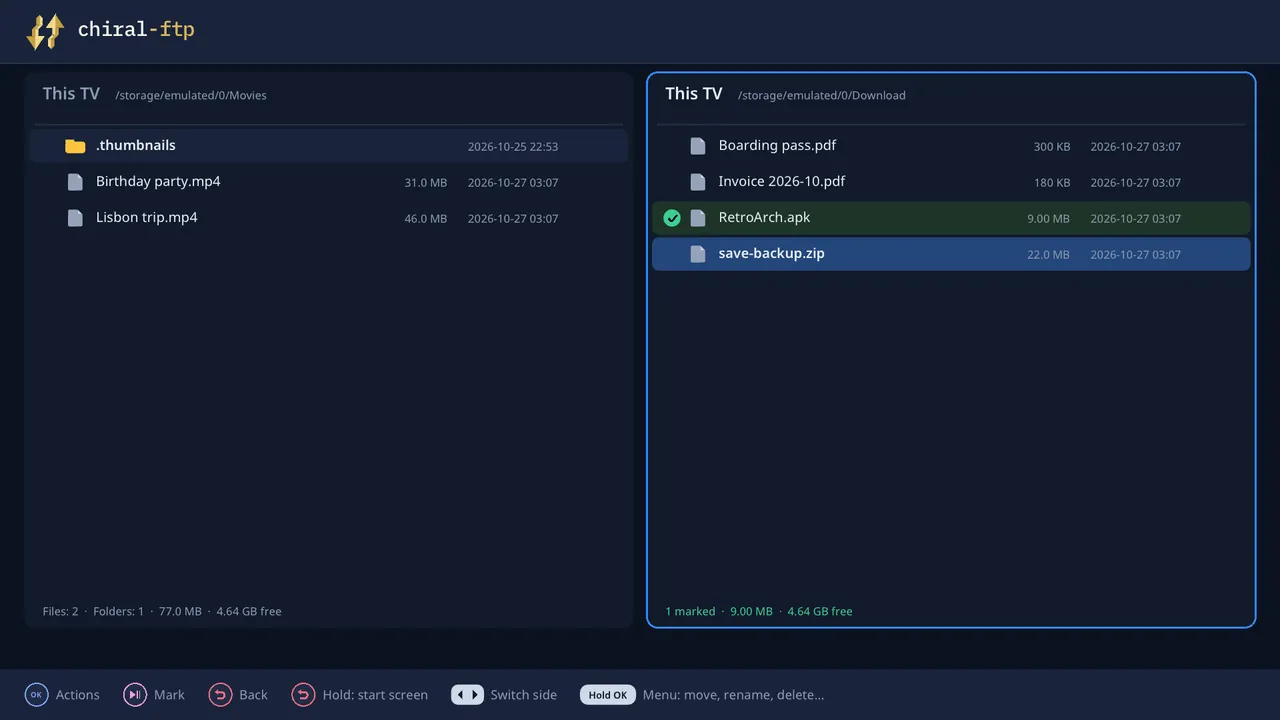
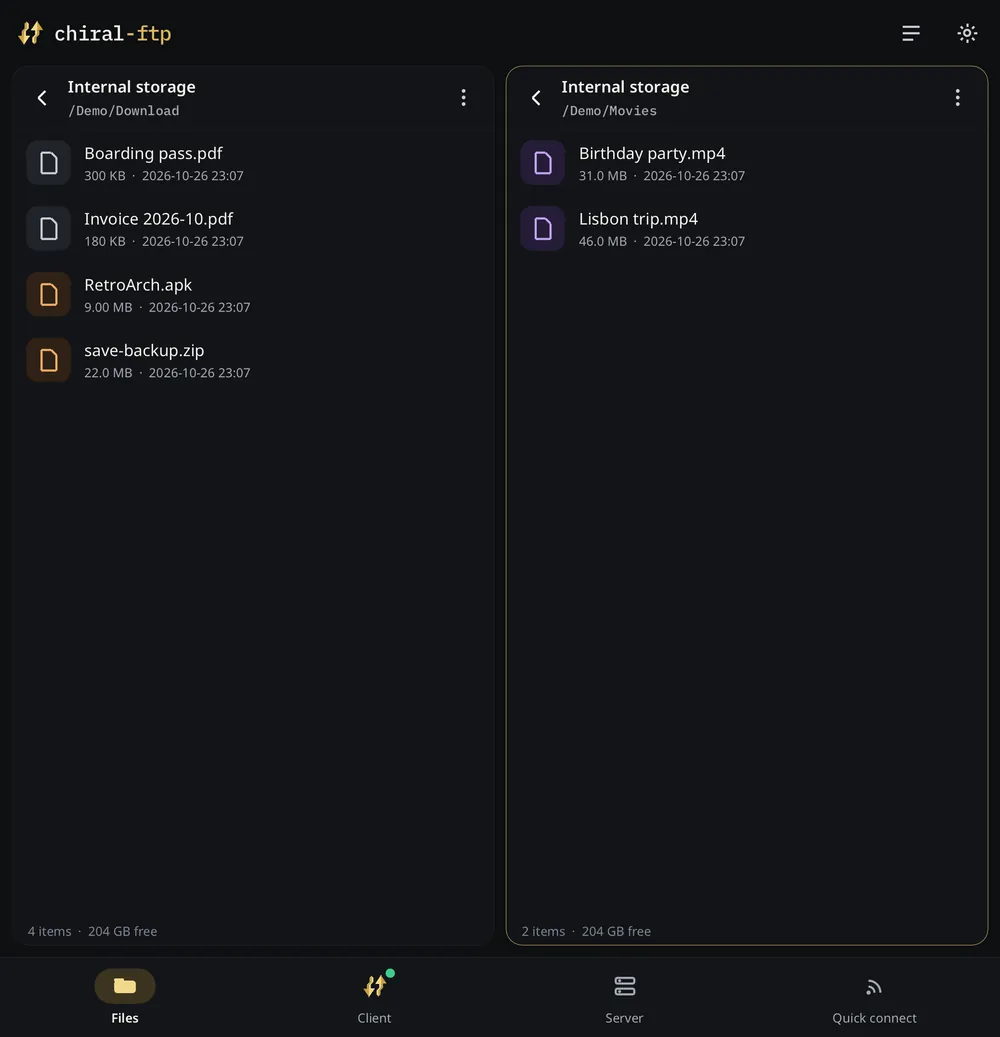
On consoles, phones and TVs: two panes side by side for copying and moving files between internal storage, SD cards and USB drives.
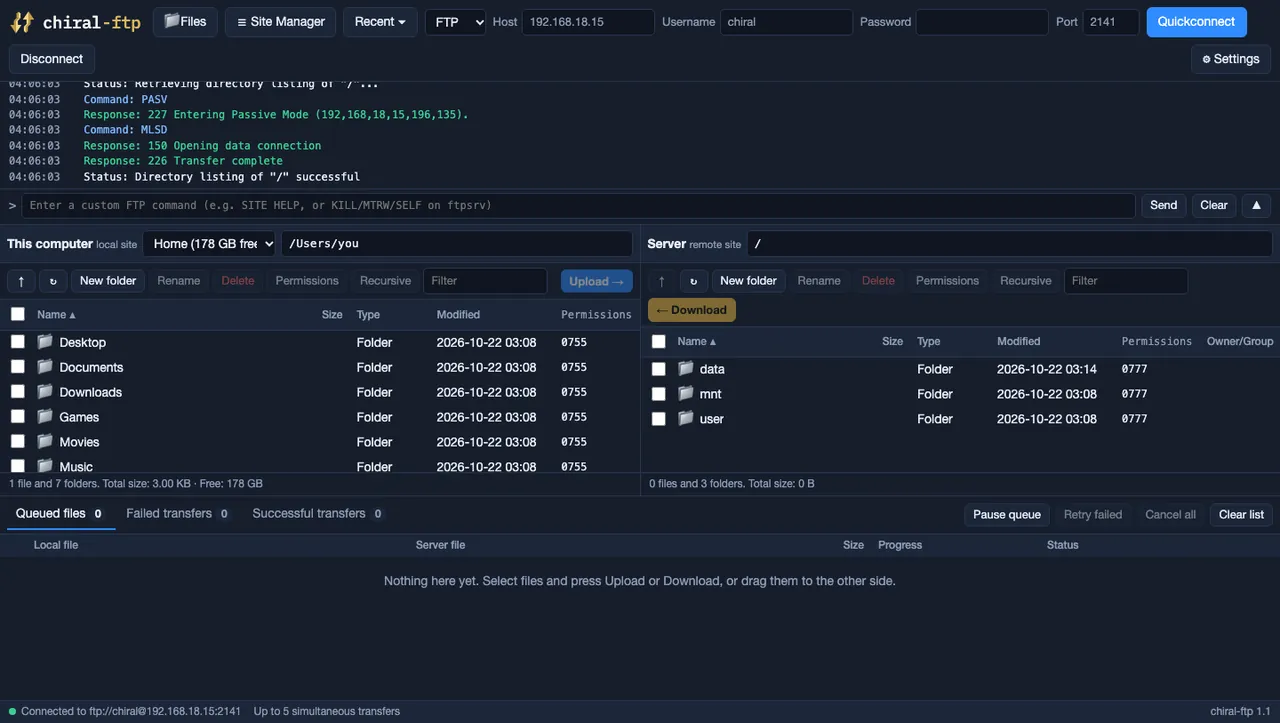
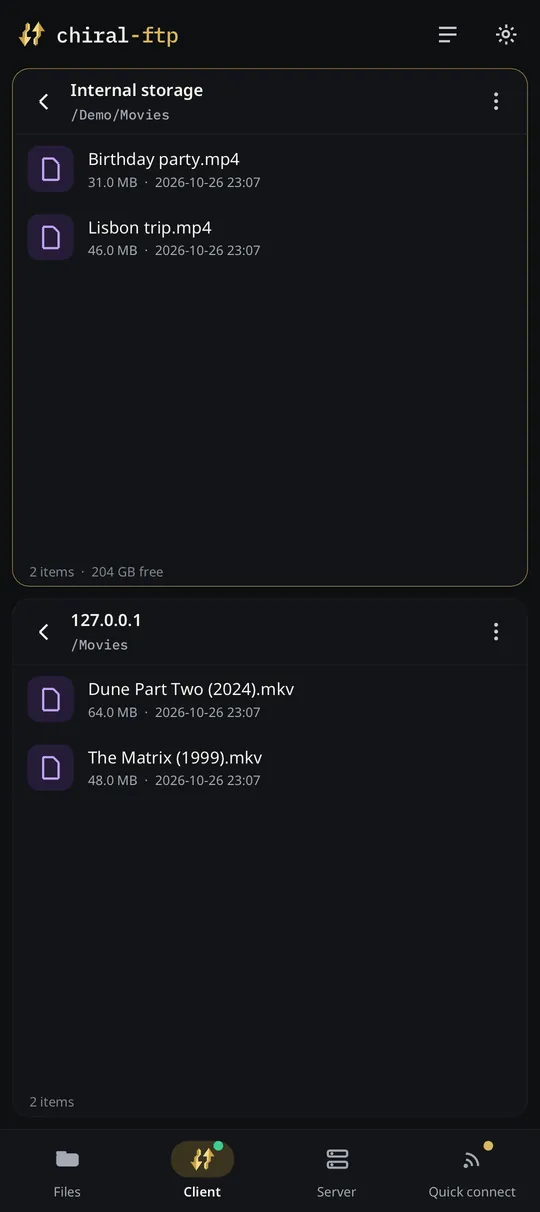
Connect to any other device hosting an FTP server and browse its files.
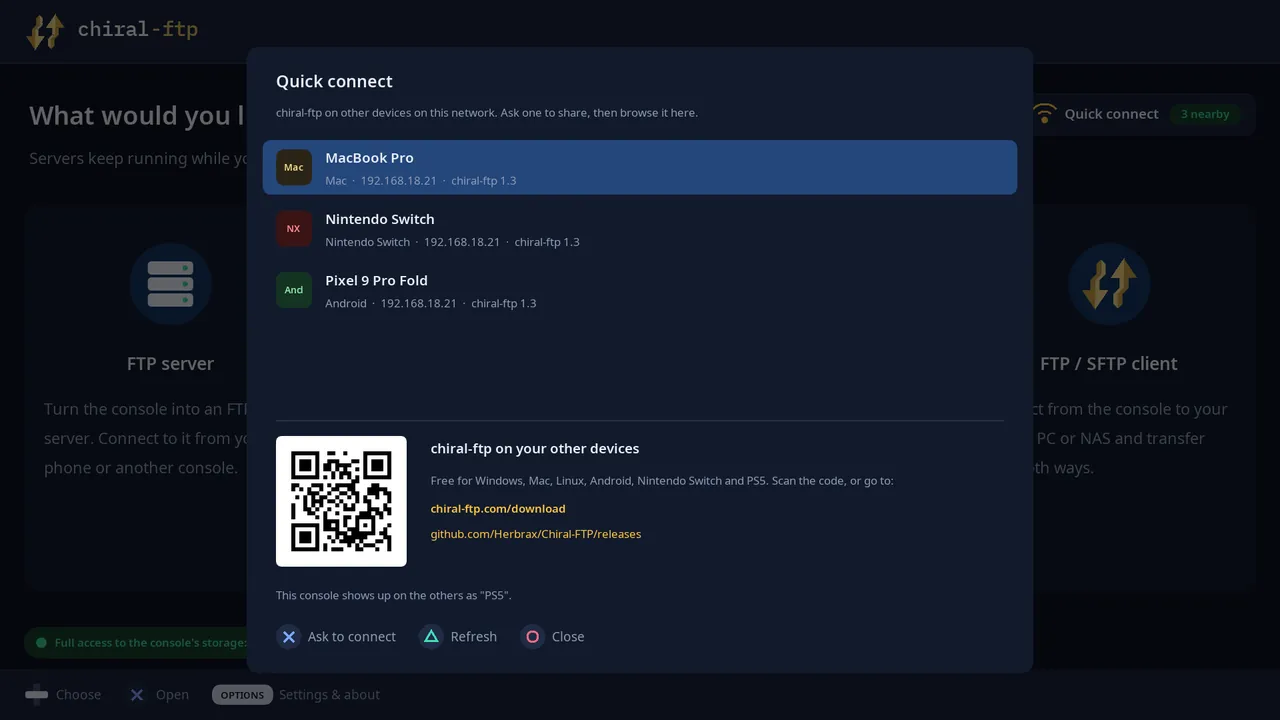
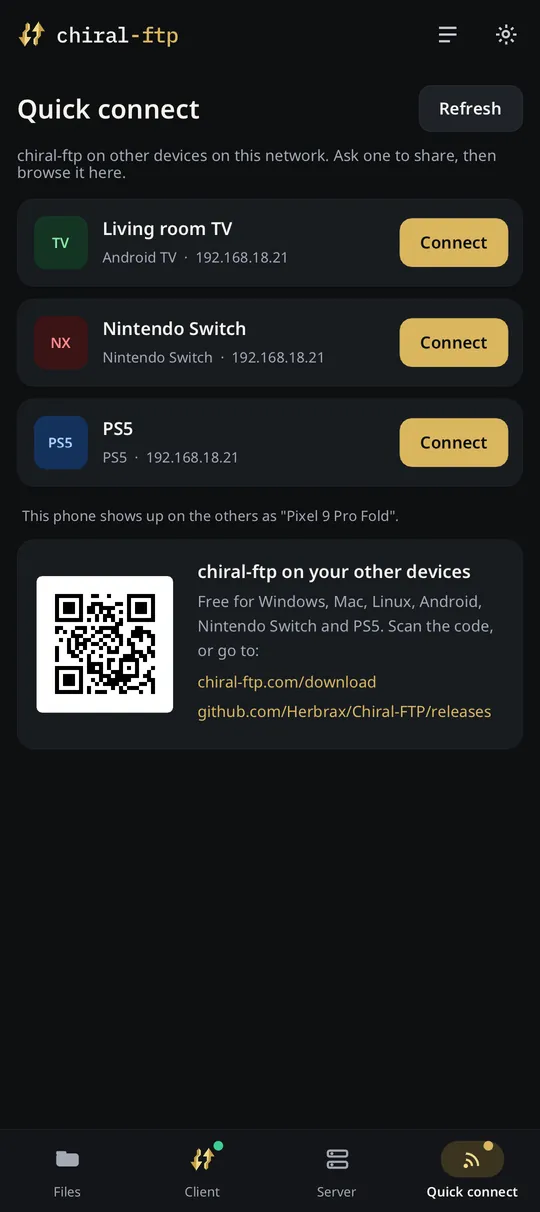
Every copy of chiral-ftp on your network finds the others. Ask one to share, check the code, and you're browsing it.
No account, no cloud, no ads. Files go straight from one device to the other, encrypted with SFTP when you choose it.
Install chiral-ftp on the devices you want to move files between. They're all on the same Wi-Fi or home network.
On your PC, phone, TV or console. Each copy announces itself on your network, nothing to set up.
The other devices running chiral-ftp are listed. Pick the one you want and press Connect.
Both screens show the same 4-digit code. Check it matches and press Allow. Nothing is shared until you do.
You're connected, with a login that only works from your device. Copy files both ways, then disconnect.
chiral-ftp speaks plain FTP and SFTP, so it works with everything you already have:
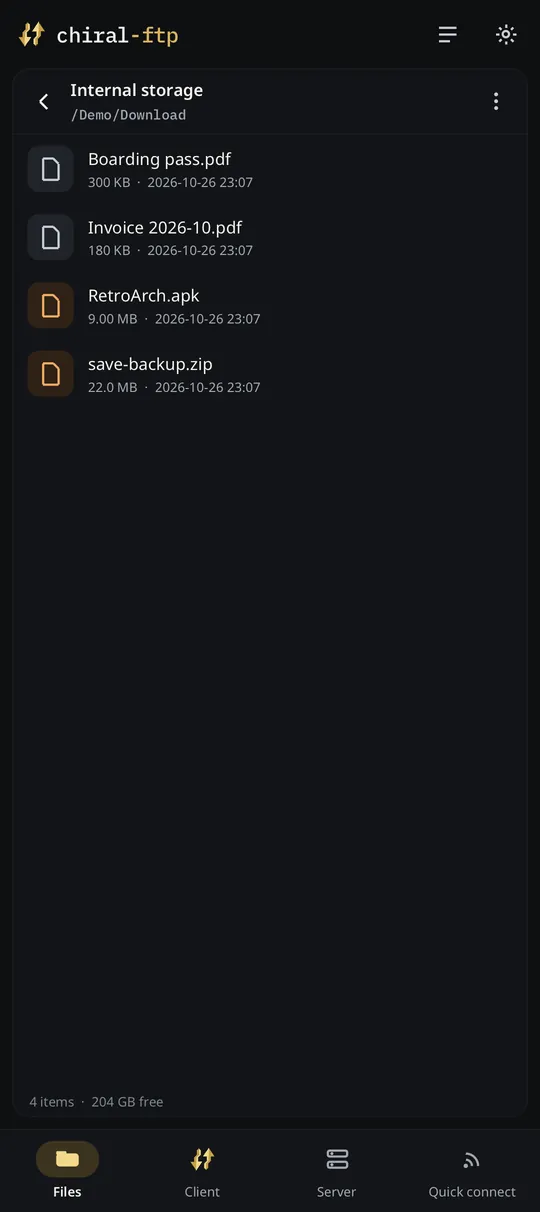
A controller on the TV, a mouse on a computer, touch on a phone. The layout follows the device: one pane on a phone, two on a foldable or a tablet.
chiral-ftp is free software under the GPL-3.0. One C and C++ codebase runs on every platform, and every line of it is on GitHub.
Found a bug, or want your language or device supported? Open an issue or a pull request. Translations into English, Spanish, French, Italian, Japanese, Korean, Chinese, Russian and Arabic are already in.
Downloads for every platform, with how to install each one, are on the download page, straight from the latest GitHub release.